
SRPG Studio Magic Effects Collection Vol2
Описание
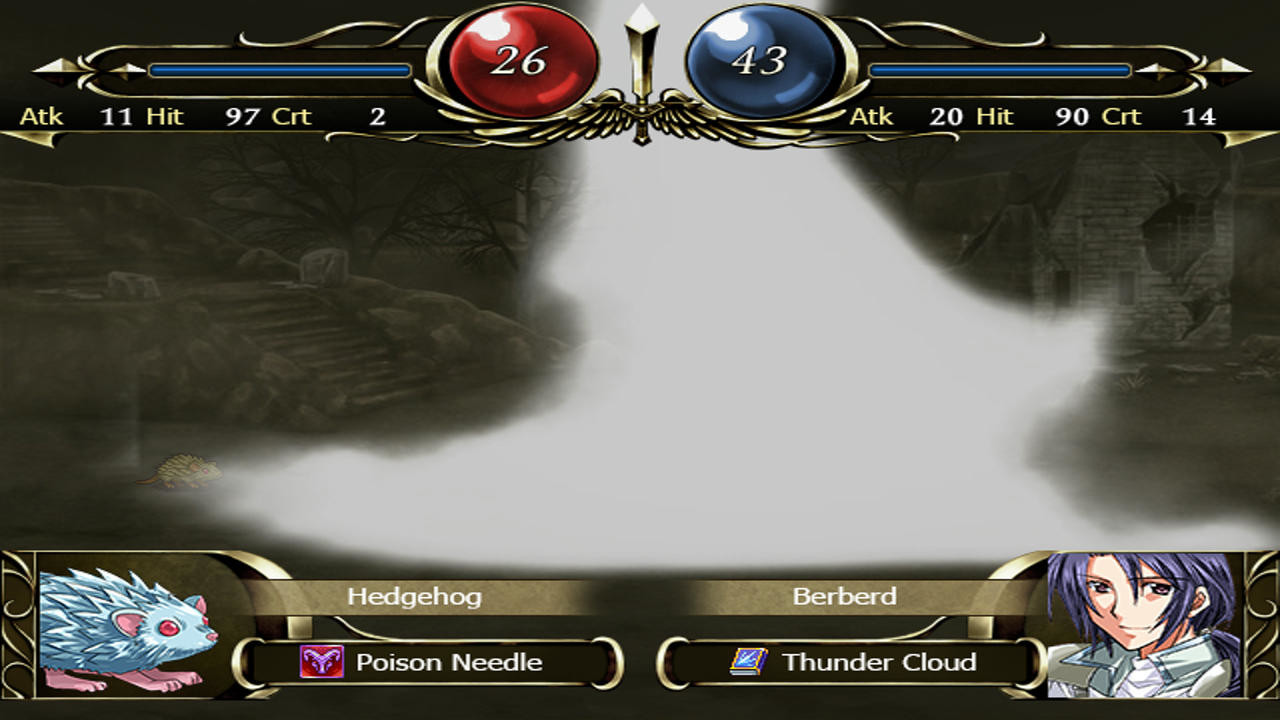
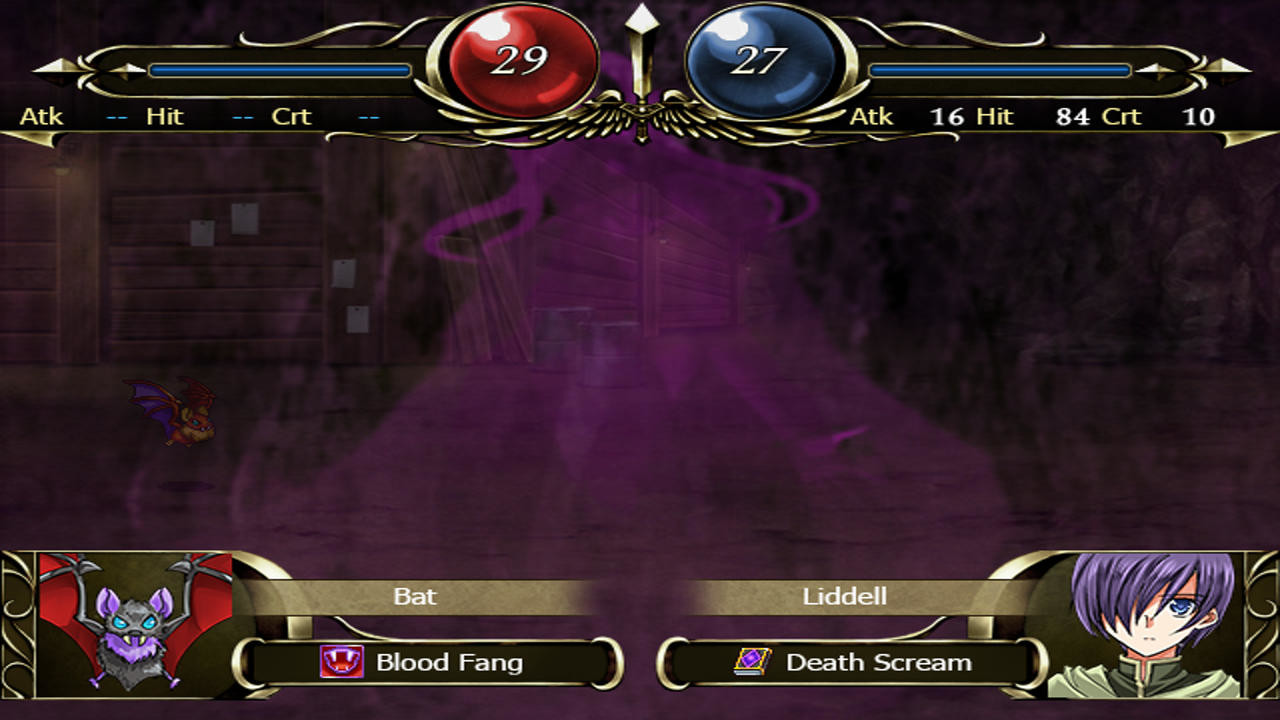
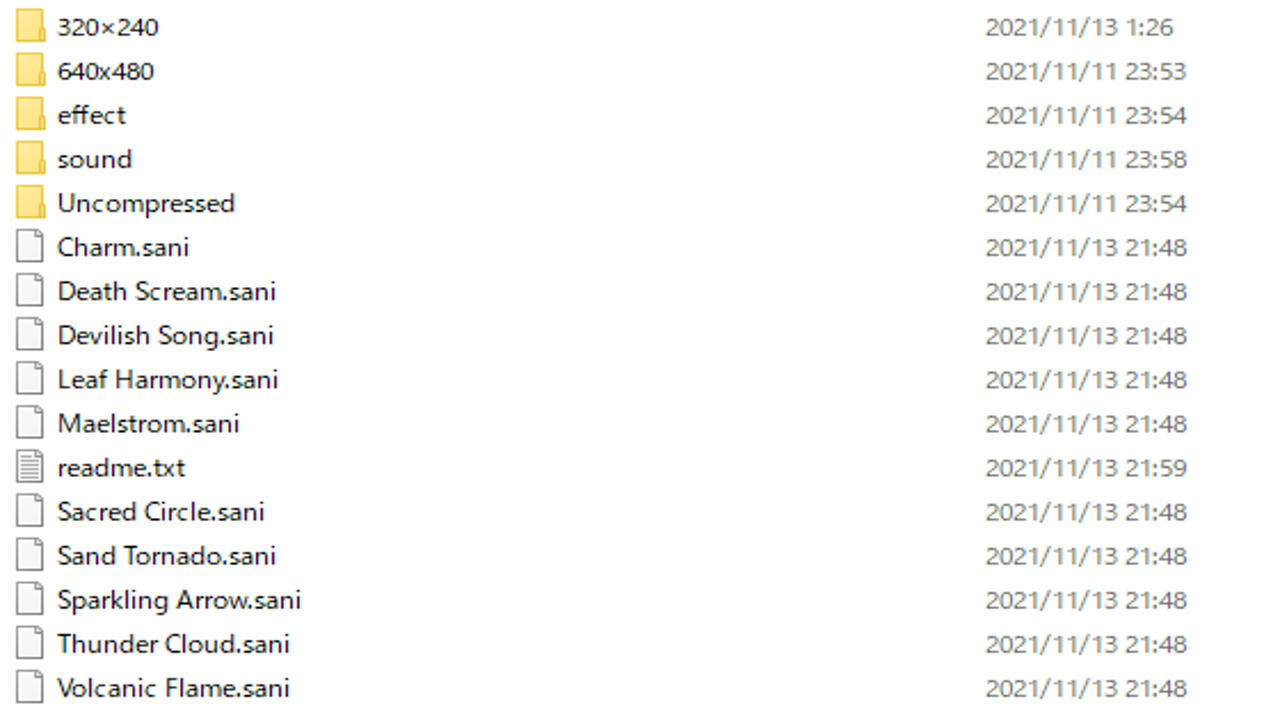
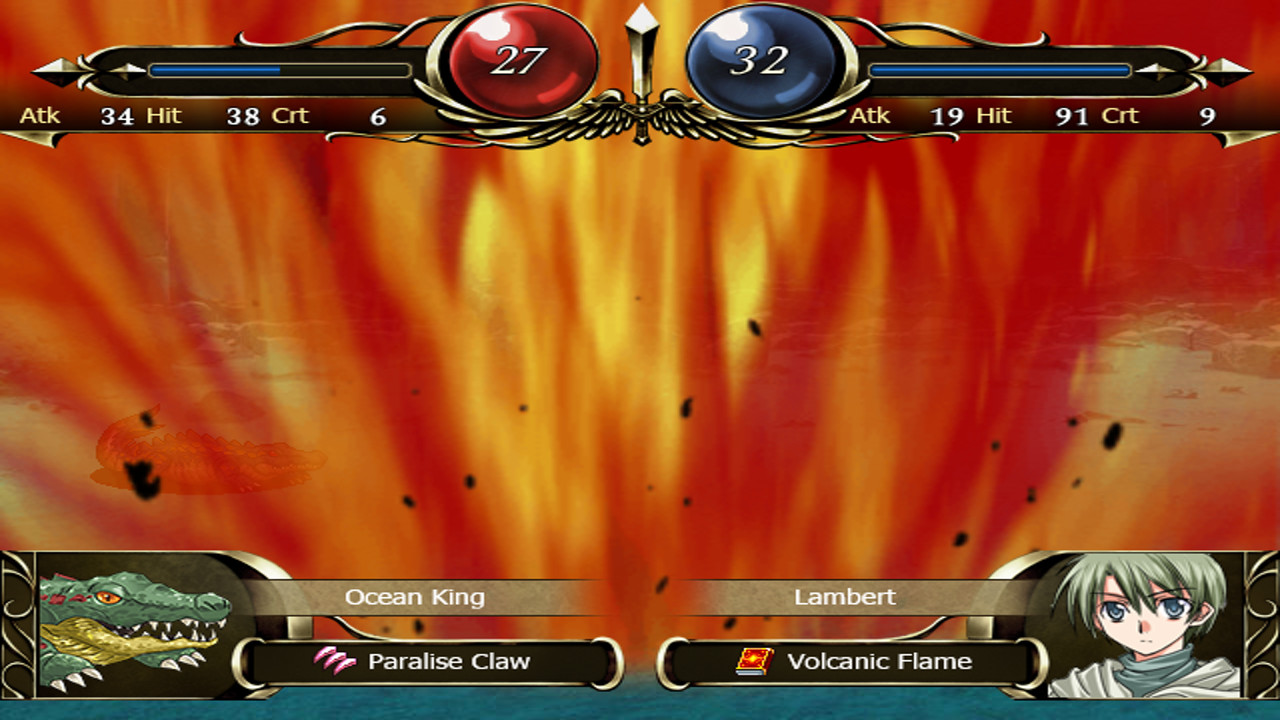
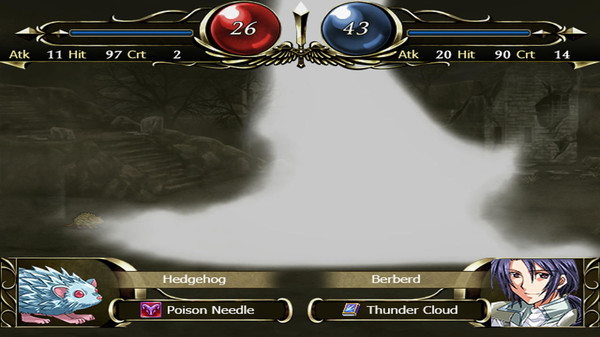
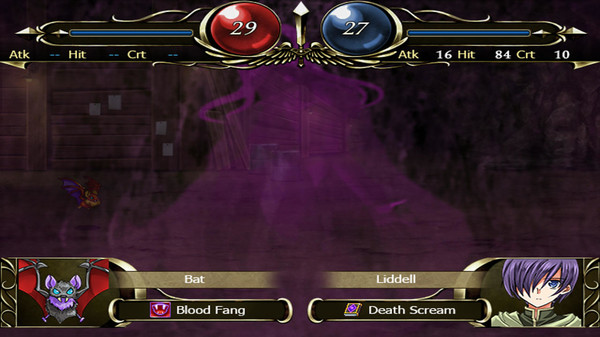
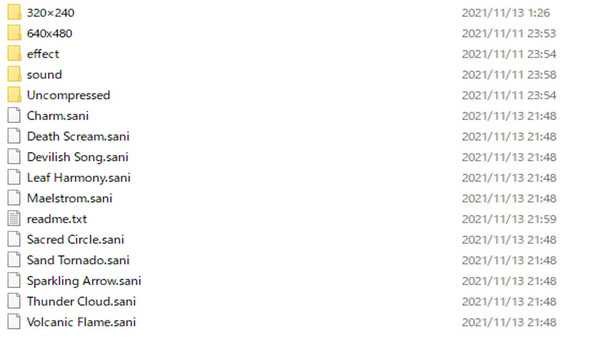
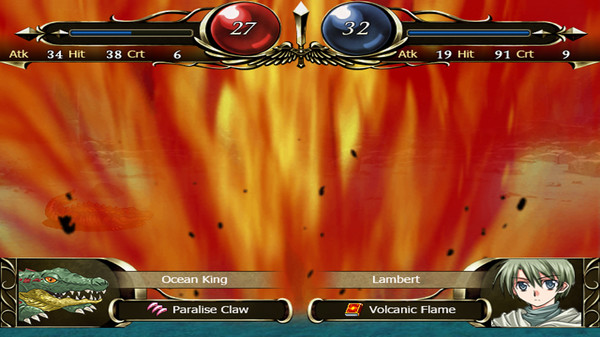
This DLC contains the following files (640x480 and 320x240).1. Volcanic Flame
2. Sand Tornado
3. Death Scream
4. Devilish Song
5. Maelstrom
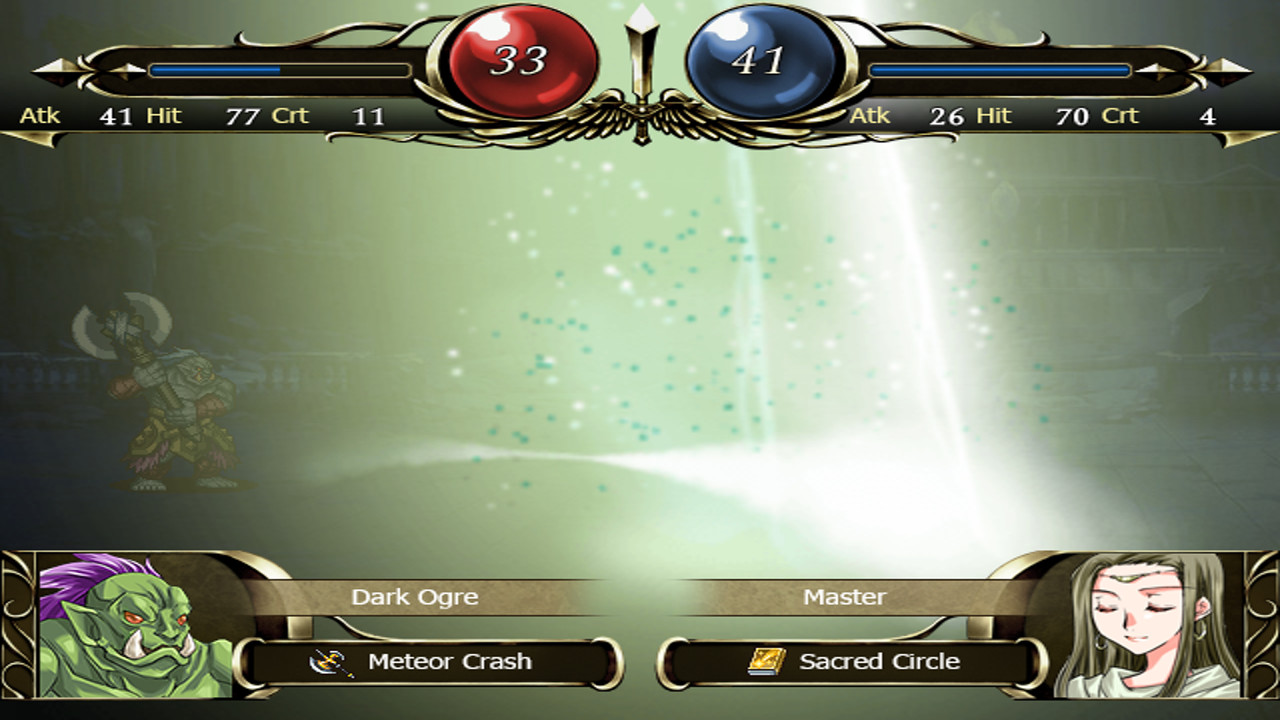
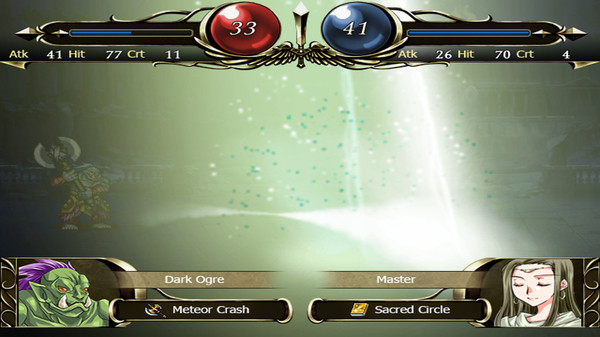
6. Sacred Circle
7. Leaf Harmony
8. Charm
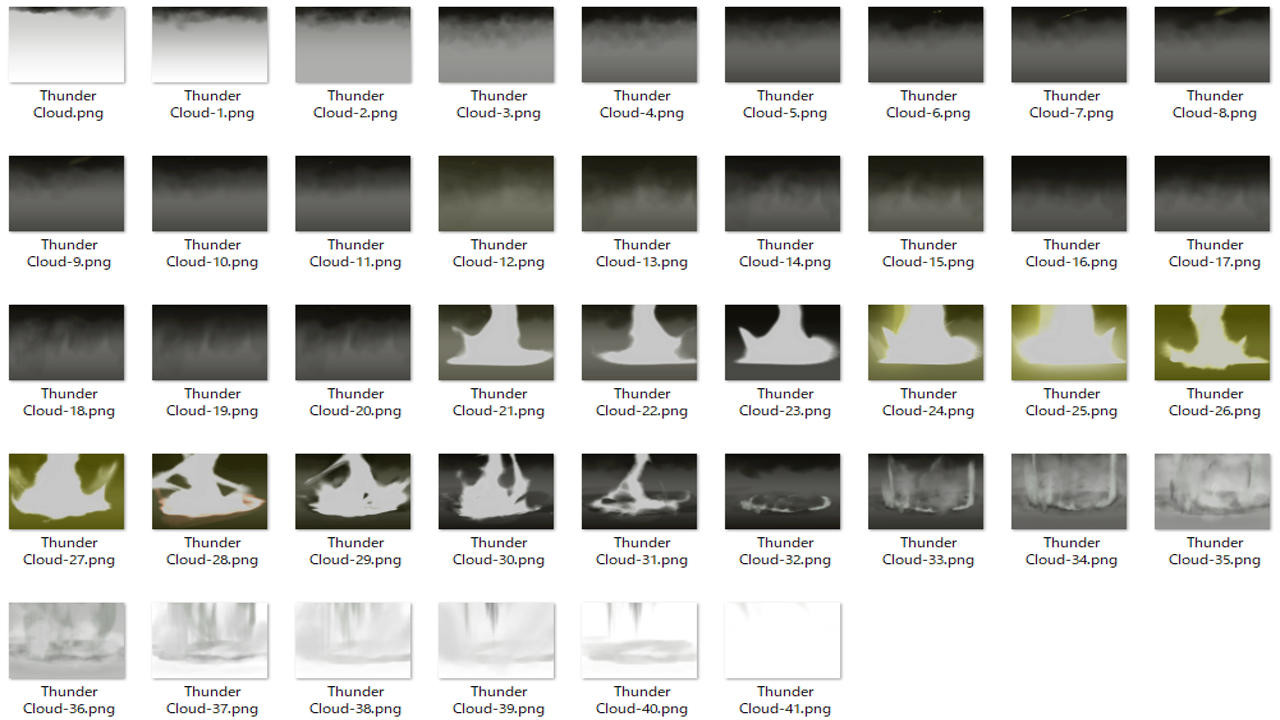
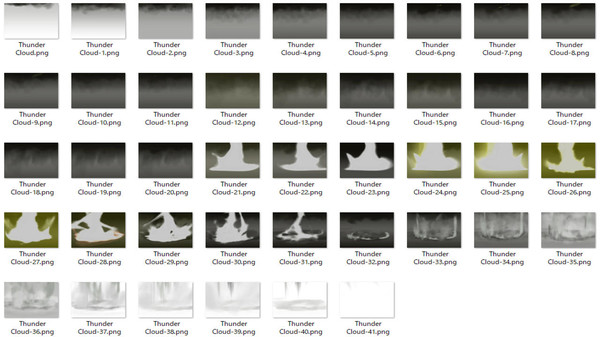
9. Thunder Cloud
10. Sparkling Arrow
*How to Use*
1. Launch SRPG Studio. In the upper left corner of the application, there is a File menu. Open the DLC in the menu, and select "SRPG Studio Magic Effects Collection Vol2".
2. Go to the "SRPG Studio Magic Effects Collection Vol2" folder created on your desktop. Drag "Charm.sani" to "Volcanic Flame.sani" in Windows Explorer and drop them into SRPG Studio.
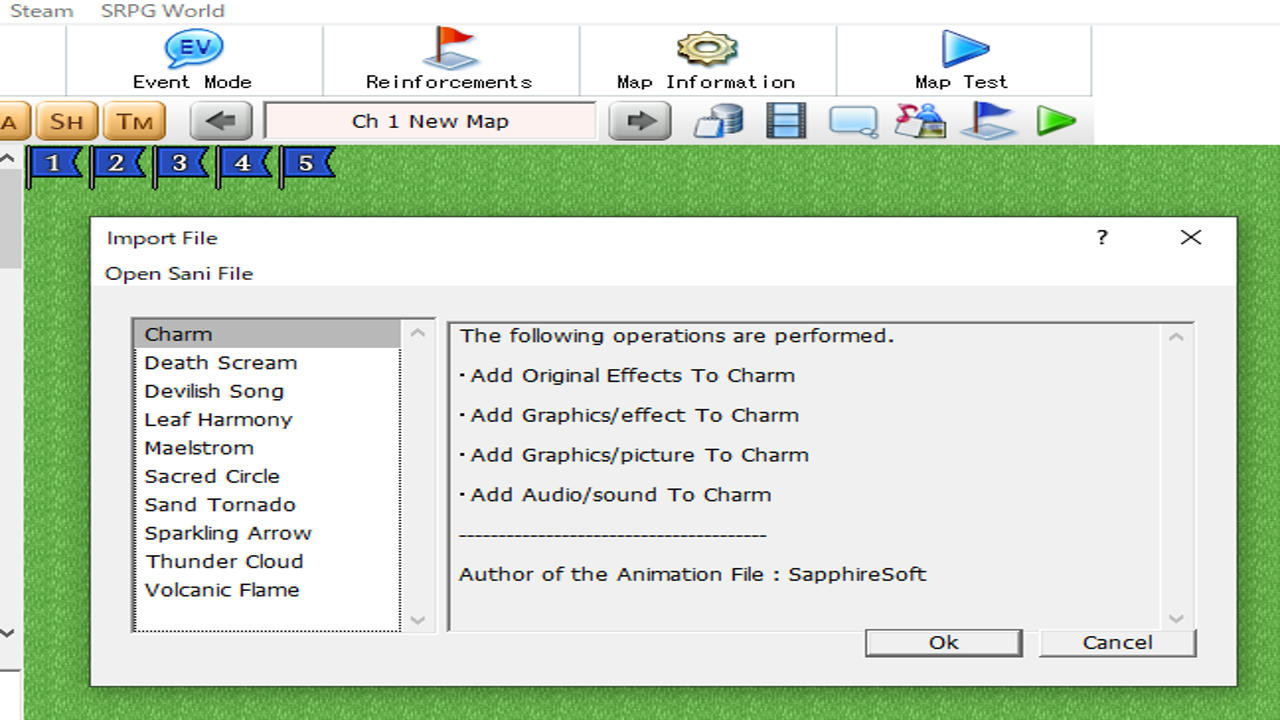
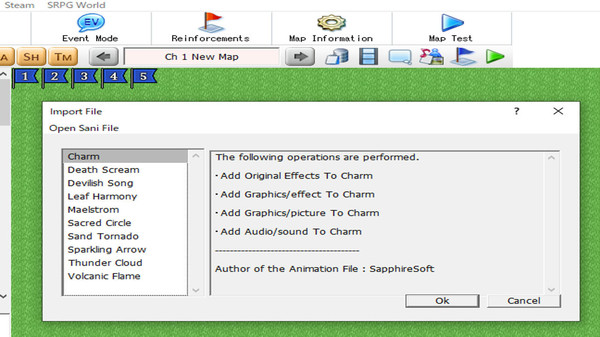
3. If the drop is successful, a dialog box will appear asking if you want to import the sani file. Select OK here.
After this, go to the "Animations" dialog and open "Original Effects". You will see the imported sani file.
4. Go to "Database" in the root screen and open the "Weapos" tab. Then click on the icon. If you select "Mage" under "Type", "Select Animation" will appear, select "Brave Power" or something similar.
Системные требования
WINDOWS:
Минимальные:- ОС *: Microsoft® Windows® Vista(sp2) / 7 / 8 / 10 (32bit/64bit)
- Процессор: Intel® Pentium® 4 2.0 GHz equivalent or faster processor
- Оперативная память: 512 MB ОЗУ
- Место на диске: 200 MB


