
FMVMachine

Описание
FMVMachine is a desktop creator tool for building interactive full motion video experiences, branching video stories, quizzes, clickable hotspots, visual novel-style dialogue, quick time events, and standalone FMV games.
Designed for filmmakers, educators, marketers, game creators, and interactive video enthusiasts, FMVMachine lets you turn ordinary video clips, images, and audio files into interactive experiences without needing to code.
Create branching paths, add clickable choices, trigger sound effects, build quiz moments, design dialogue sequences, and export your project for others to play.
Build Interactive FMV Experiences
FMVMachine gives you the tools to create interactive video projects where the viewer becomes part of the experience. Add hotspots directly onto videos or images, connect scenes together, create branching choices, and design projects that react to player decisions.
Use it to make:
Interactive films
FMV games
Choose-your-own-adventure videos
Training modules
Educational lessons
Marketing demos
Interactive quizzes
Visual novel-style experiences
Mystery, horror, comedy, and narrative experiments
Key Features
Interactive Hotspots
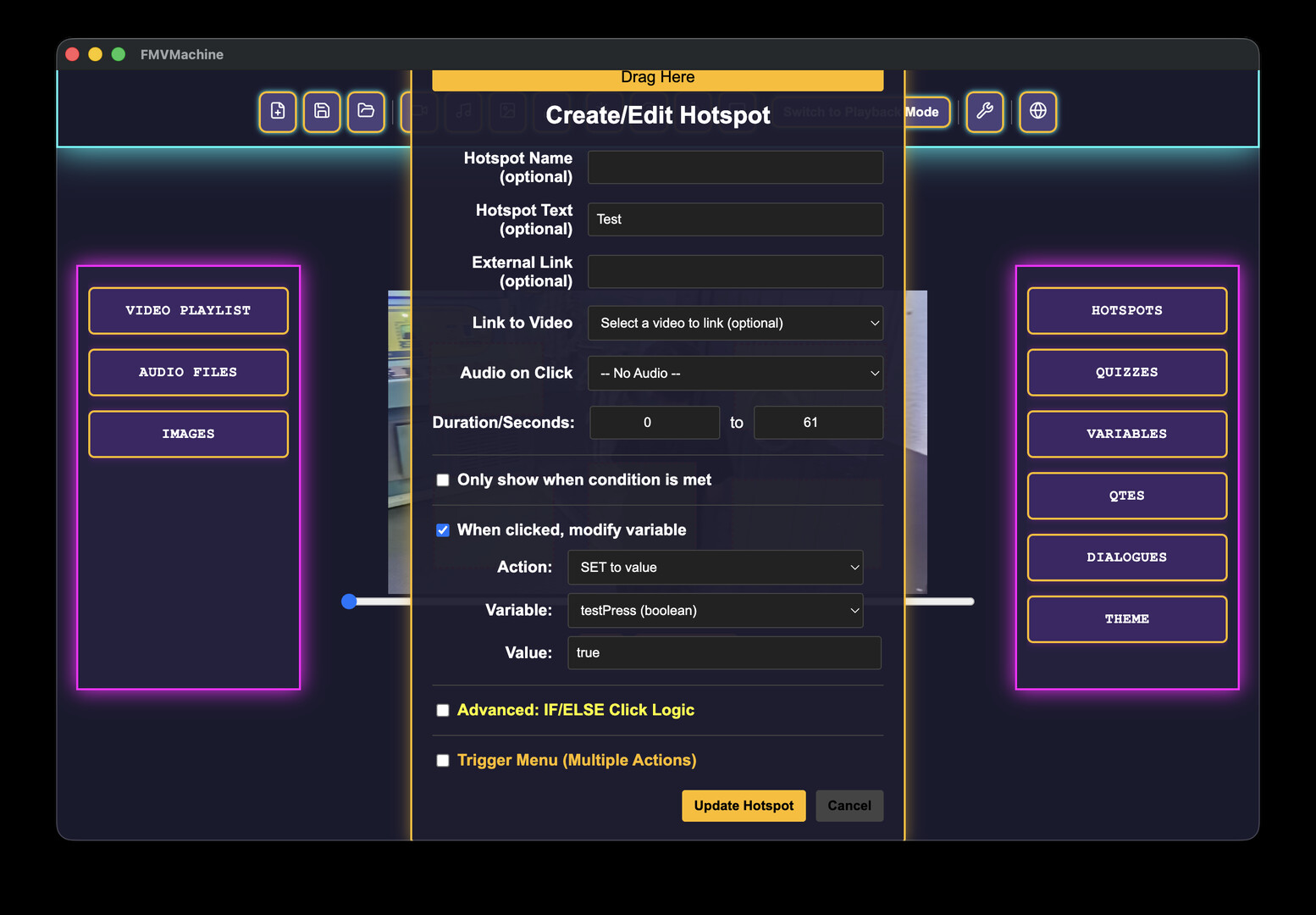
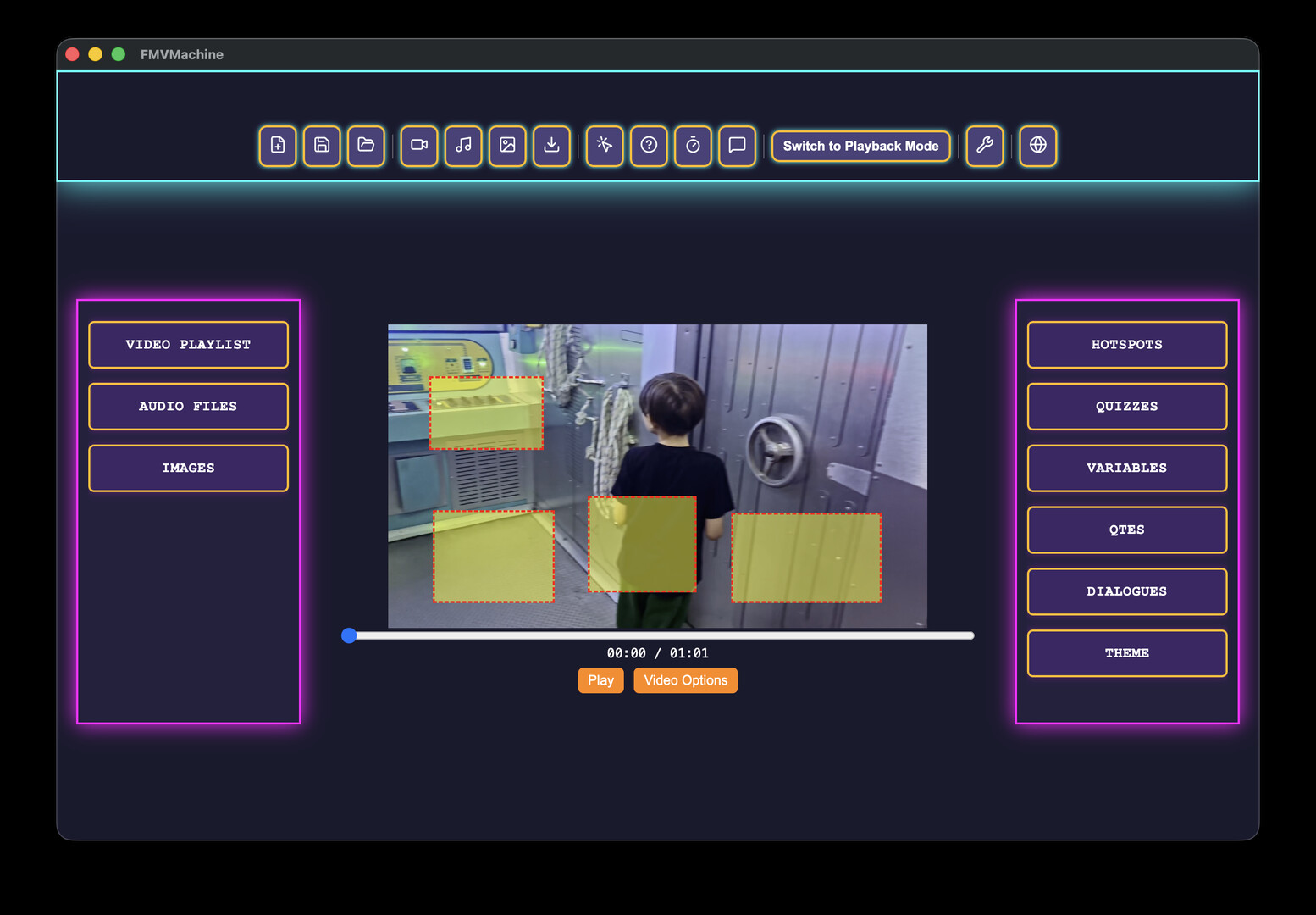
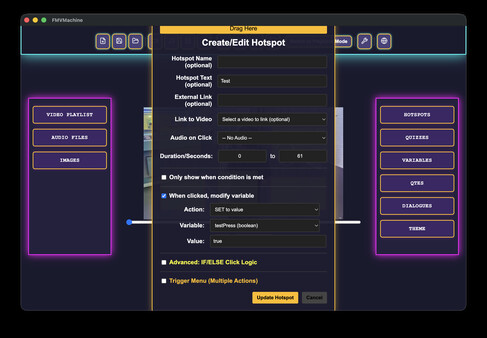
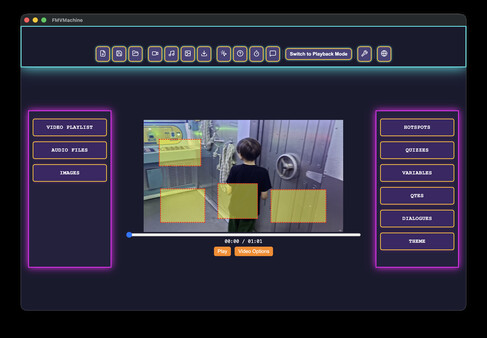
Place clickable areas on videos or images. Hotspots can open links, display text, play audio, jump to another video or image, trigger dialogue, or run variable actions.
Multi-Trigger Hotspot Menus
A single hotspot can contain multiple possible actions. Hover over a hotspot to reveal a menu of choices, each with its own label, action, and optional visibility condition.
Branching Story Editor
Plan and organize your interactive project visually with a node-based story editor. Connect scenes, create decision points, and structure your narrative flow.
Quizzes and Learning Interactions
Add quiz questions into videos with correct and incorrect outcomes, branching logic, and score-style interaction options.
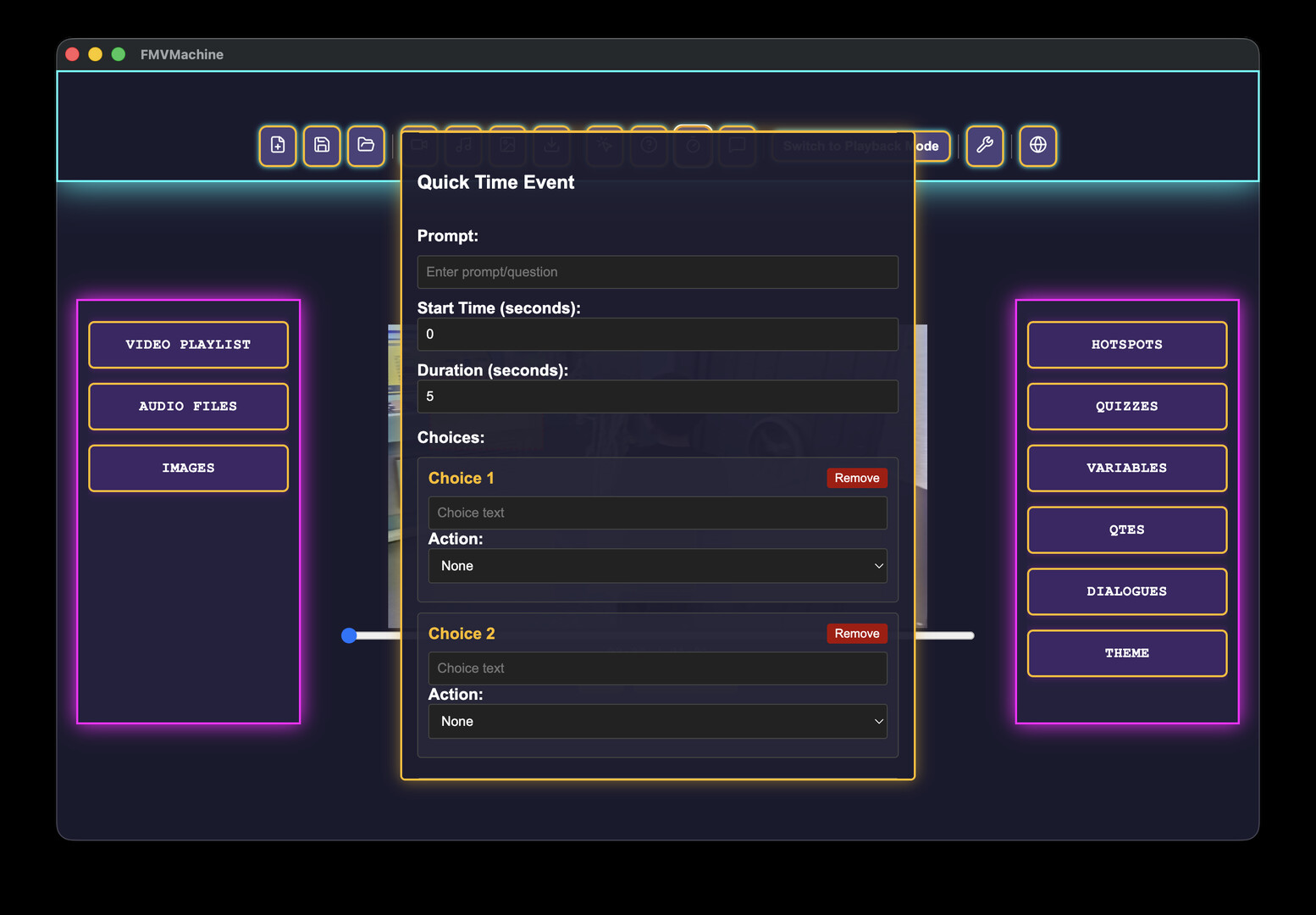
Quick Time Events
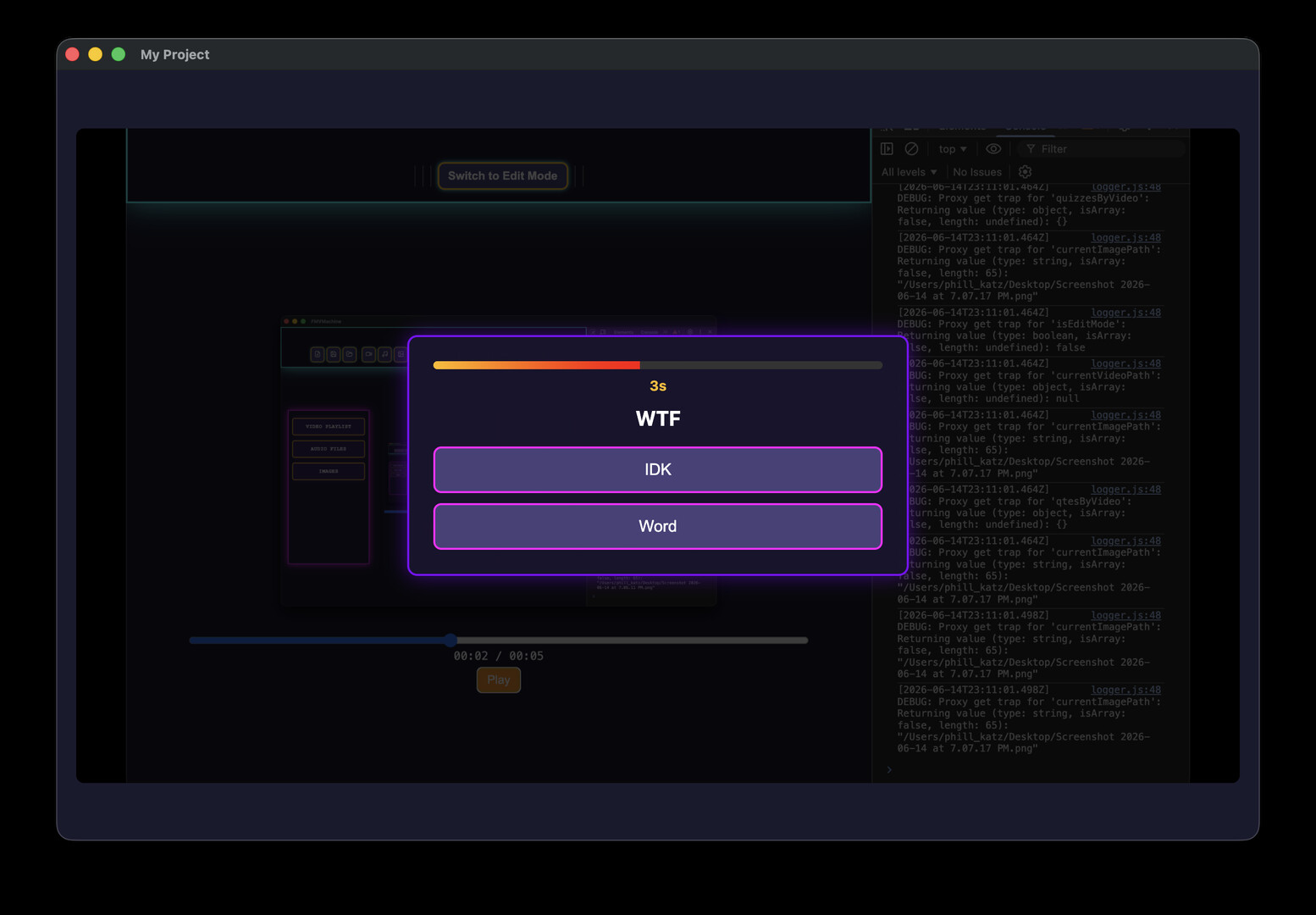
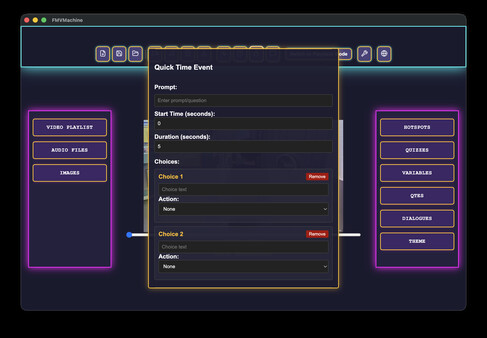
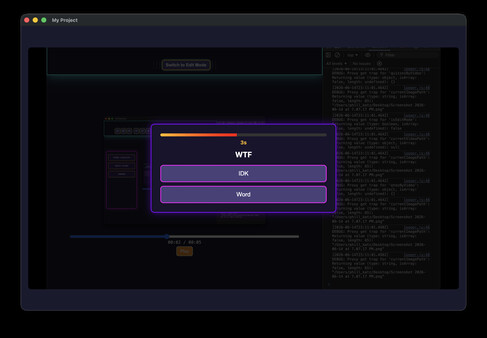
Create timed choice moments where players must respond before the countdown expires. Each choice can lead to different outcomes.
Visual Novel / RPG-Style Dialogue
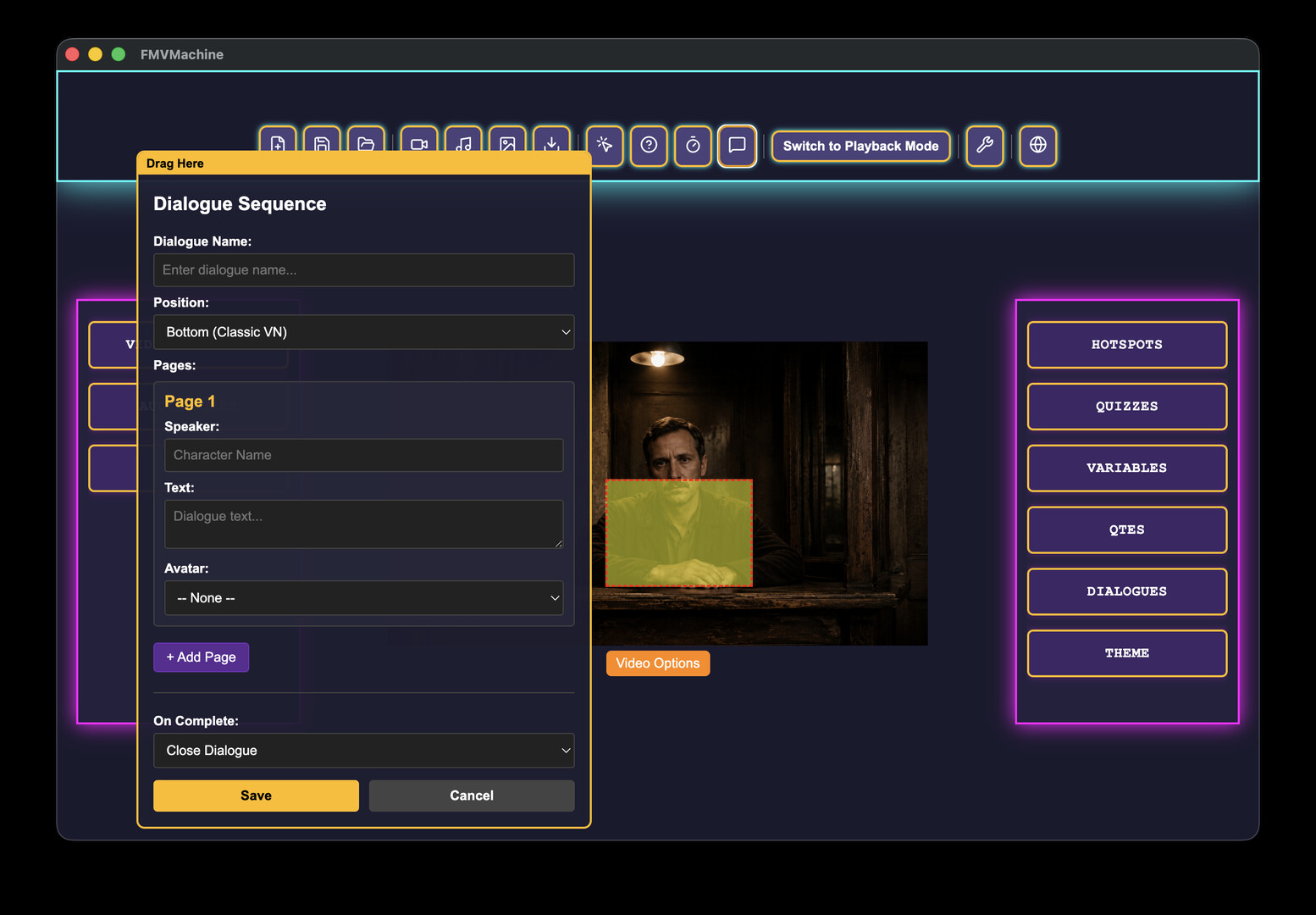
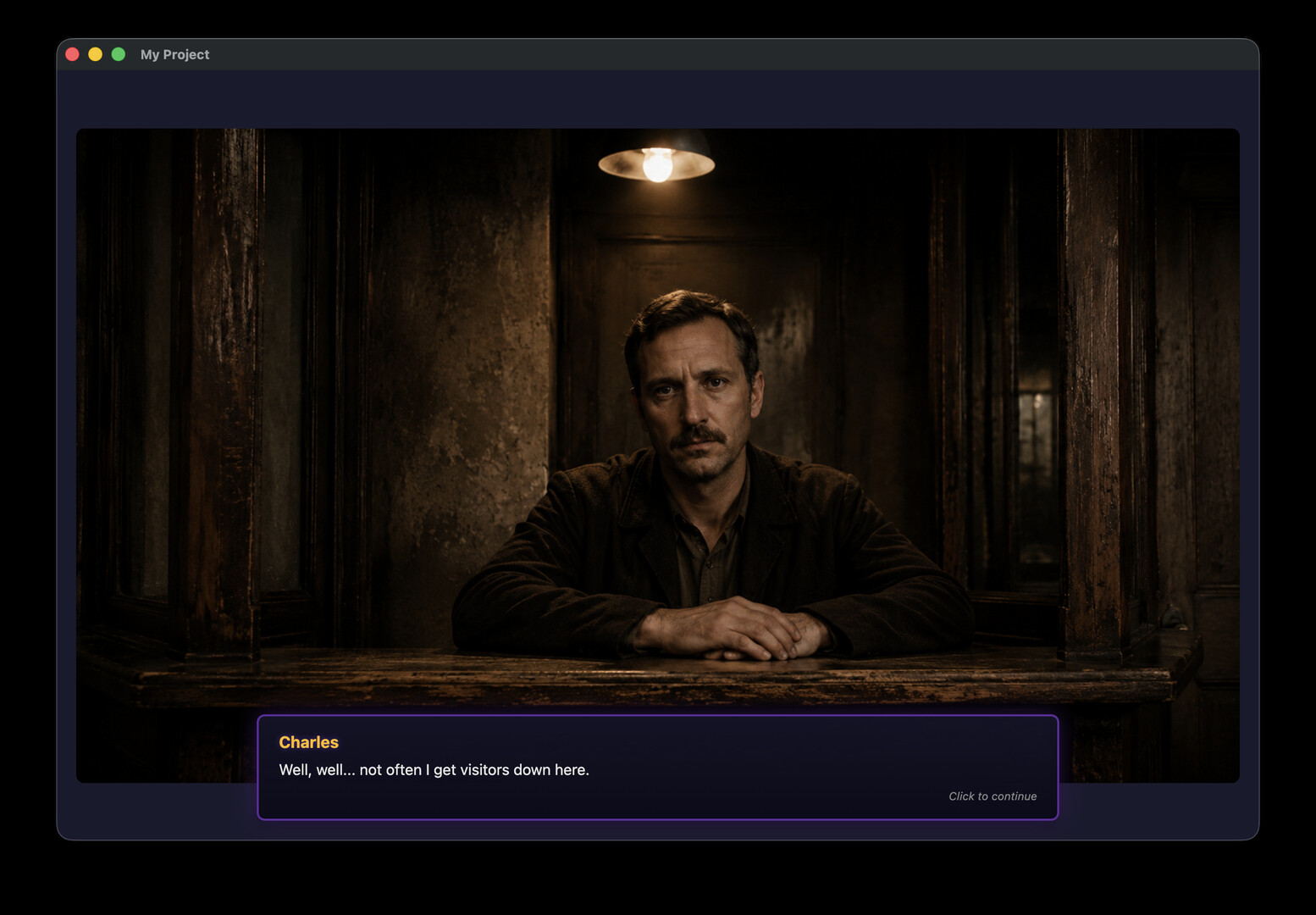
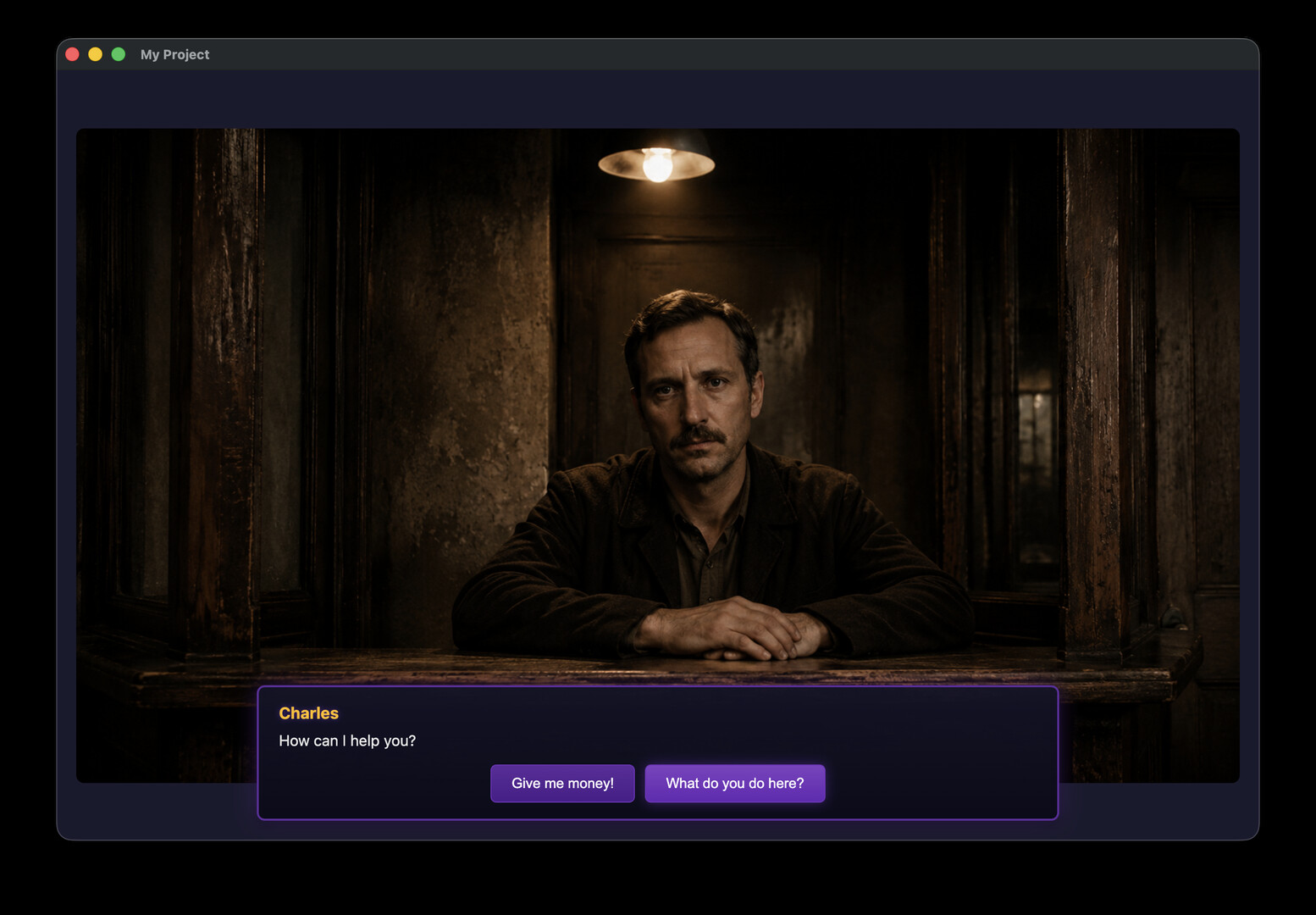
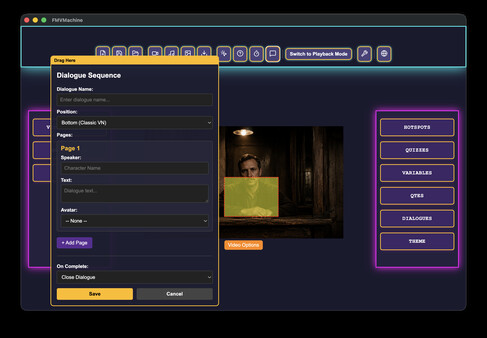
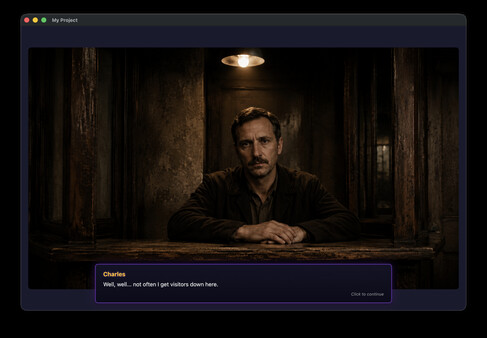
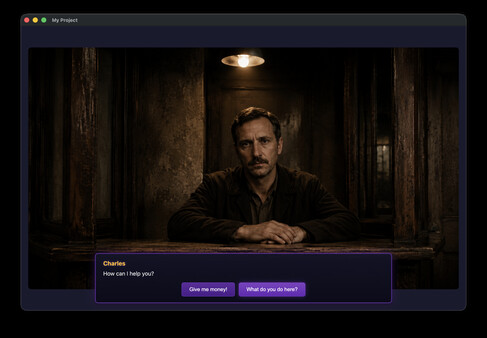
Build dialogue sequences with speaker names, text pages, optional avatar images, multiple screen positions, and branching dialogue choices.
Variables and Conditions
Create logic-driven projects using variables. Show or hide choices, trigger different outcomes, and build simple IF/ELSE-style interactive flows.
Return-to-Choices Dialogue Loops
Dialogue choices can return players back to the decision page after performing an action, allowing repeatable conversations, investigation menus, clue systems, and RPG-style branching dialogue.
Audio Interaction
Import audio files and attach them to hotspots or image-based scenes. Use sound effects, narration, music, or interactive audio cues.
Customizable Player Theme
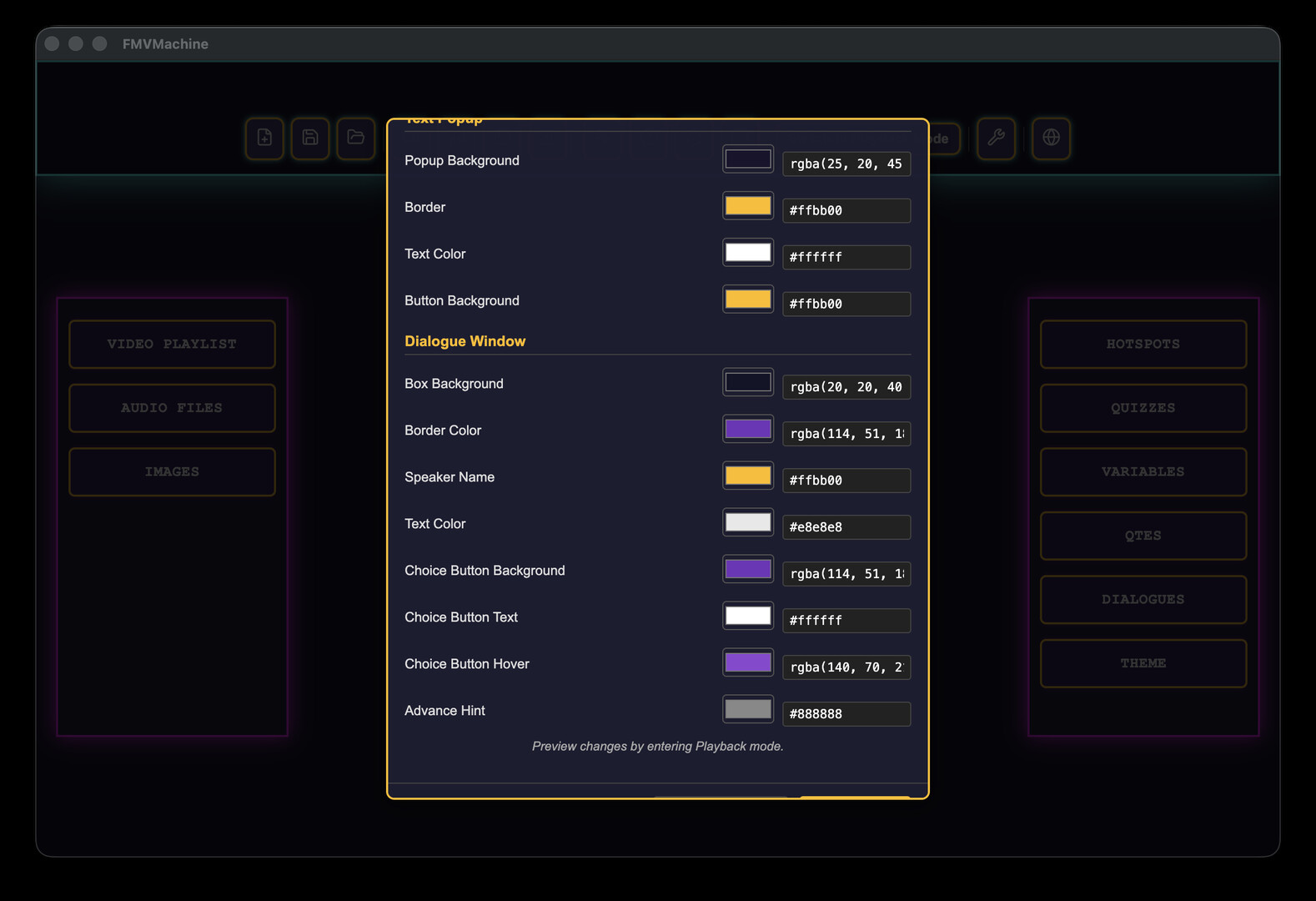
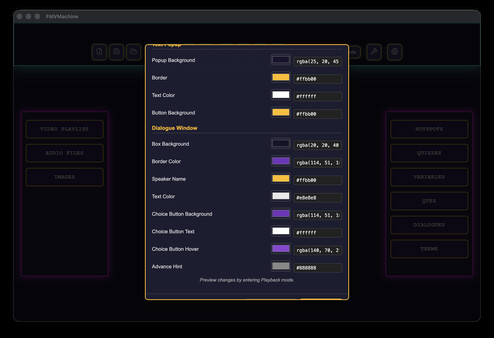
Customize the look of quiz popups, QTE overlays, text popups, and dialogue windows so exported projects match your style.
Image and Video Support
Create projects using videos, images, and audio together. Image-only projects are supported, allowing slideshow-style interactive experiences and visual novel projects.
Export Options
Export your project as a browser-playable ZIP package or as standalone desktop apps for Windows and macOS.
Who Is FMVMachine For?
FMVMachine is for creators who want to make interactive video without building a custom engine from scratch.
Filmmakers can create branching short films and FMV games.
Educators can build interactive lessons and video quizzes.
Marketers can create product demos, lead-generation experiences, and interactive sales videos.
Game creators can prototype narrative games, visual novels, mysteries, and choice-based experiences.
Horror creators can build immersive screen-based scares, investigation sequences, and interactive story loops.
No Coding Required
FMVMachine is built around visual tools, forms, menus, and project exports. You can import media, place interactive elements, define choices, and export a playable experience without writing code.
For advanced creators, the variables and conditions system allows deeper logic while still keeping the workflow accessible.
Create. Connect. Export. Play.
Import your media.
Add hotspots, quizzes, QTEs, dialogue, and branching choices.
Customize your player theme.
Export your finished interactive experience.
FMVMachine helps turn passive videos into playable stories.
Системные требования
WINDOWS:
- ОС: Windows 10/11
- Процессор: Intel Core i3-3220 or AMD FX-4300
- Оперативная память: 4 GB ОЗУ
- Видеокарта: Intel HD Graphics 4000 or NVIDIA GeForce GT 730 or AMD Radeon R5 240
- DirectX: версии 11
- Место на диске: 2 GB
- DirectX: версии 11
MACOS:
Минимальные:- ОС: macOS 11 or later
- Процессор: Intel Core i3-3220 or Apple M1
- Оперативная память: 4 GB ОЗУ
- Видеокарта: Intel HD Graphics 4000
- Место на диске: 2 GB

